Alert Rules
Configure webhook alerts when errors match conditions you define.
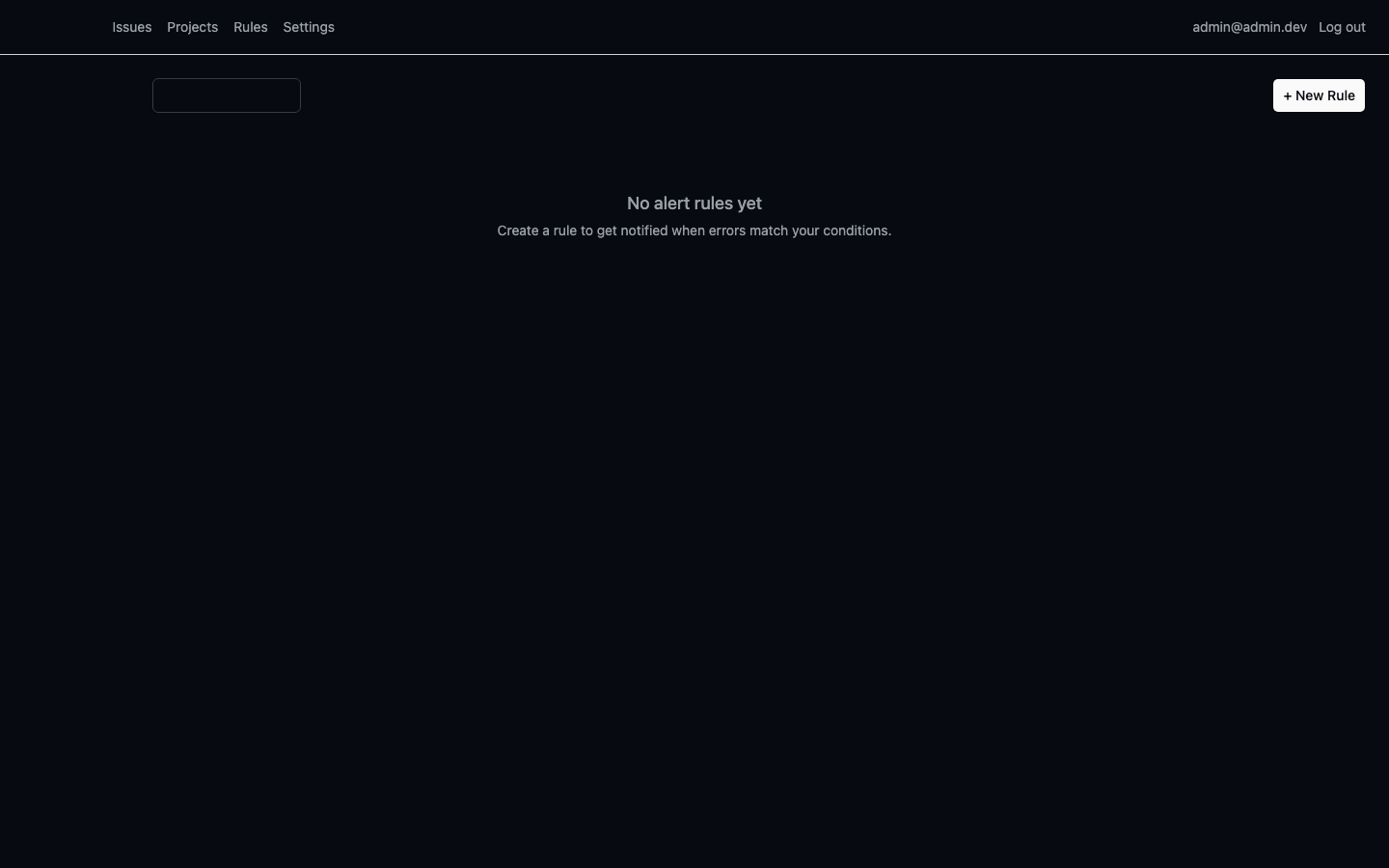
Creating Alert Rules
- Go to Rules page in the dashboard
- Click "Add Rule"
- Configure:
- Name — descriptive label
- Conditions — JSON object (e.g.,
{ "level": "error" }) - Action —
webhook - Webhook URL — endpoint to receive POST notifications
- Cooldown — minimum seconds between alerts for the same issue (default: 300)
Webhook Payload
When an alert triggers, TrapFall sends a POST to your webhook URL:
json
{
  "rule_id": "...",
  "issue_id": "...",
  "project_id": "...",
  "title": "TypeError: Cannot read property 'x' of undefined",
  "level": "error",
  "count": 5,
  "action": "webhook",
  "triggered_at": "2026-06-11T00:00:00Z"
}
Conditions
Conditions are JSON objects. Currently supports:
{ "level": "error" }— trigger on error-level issues{ "level": "fatal" }— trigger on fatal-level issues{}— trigger on all issues
Managing Rules
- Toggle — enable/disable without deleting
- Delete — permanently remove
- Cooldown — prevents alert spam for recurring issues
API
bash
# List rules
curl -b cookie http://localhost:3000/api/0/projects/my-app/rules

# Create rule
curl -b cookie -X POST http://localhost:3000/api/0/projects/my-app/rules \
  -H "Content-Type: application/json" \
  -d '{"name":"Fatal Alert","conditions":{"level":"fatal"},"action_type":"webhook","action_config":{"url":"https://hooks.slack.com/..."}}'

# Toggle rule
curl -b cookie -X POST http://localhost:3000/api/0/rules/<id>/toggle

# Delete rule
curl -b cookie -X DELETE http://localhost:3000/api/0/rules/<id>