Getting Started
Prerequisites
- Docker (recommended) — zero install deps
- Or Rust 1.86+ + Node.js 22+ (build from source)
Docker
bash
# Pull image
docker pull ghcr.io/codecoradev/trapfall:latest

# Run (SQLite, zero-config)
docker run -d \
  --name trapfall \
  -p 3000:3000 \
  -v trapfall-data:/data \
  ghcr.io/codecoradev/trapfall:latest
Open http://localhost:3000 → setup wizard.
Docker Compose
bash
git clone https://github.com/codecoradev/trapfall.git
cd trapfall

# Production config
cp .env.production .env

# Start (SQLite by default, Postgres optional)
docker compose -f docker-compose.prod.yml up -d
See VPS Deployment for full production setup.
Download Binary
Download from GitHub Releases:
bash
# Linux (x86_64)
curl -fsSL https://github.com/codecoradev/trapfall/releases/latest/download/trapfall-x86_64-unknown-linux-gnu-v0.1.1.tar.gz -o trapfall.tar.gz
tar xzf trapfall.tar.gz
chmod +x trapfall

# macOS (Apple Silicon)
curl -fsSL https://github.com/codecoradev/trapfall/releases/latest/download/trapfall-aarch64-apple-darwin-v0.1.1.tar.gz -o trapfall.tar.gz
tar xzf trapfall.tar.gz
chmod +x trapfall
bash
# Start server
./trapfall serve --listen 0.0.0.0:3000

# Or with custom database path
./trapfall --db /var/lib/trapfall.db serve --listen 0.0.0.0:3000
From Source
bash
git clone https://github.com/codecoradev/trapfall.git
cd trapfall

# Build frontend
cd web && npm ci && npm run build && cd ..

# Build + run
cargo run --release -p trapfalld -- serve --listen 0.0.0.0:3000
Quick Start
Start the server (any method above)
Open
http://localhost:3000→ setup wizard appears on first runCreate admin account (email, name, password)
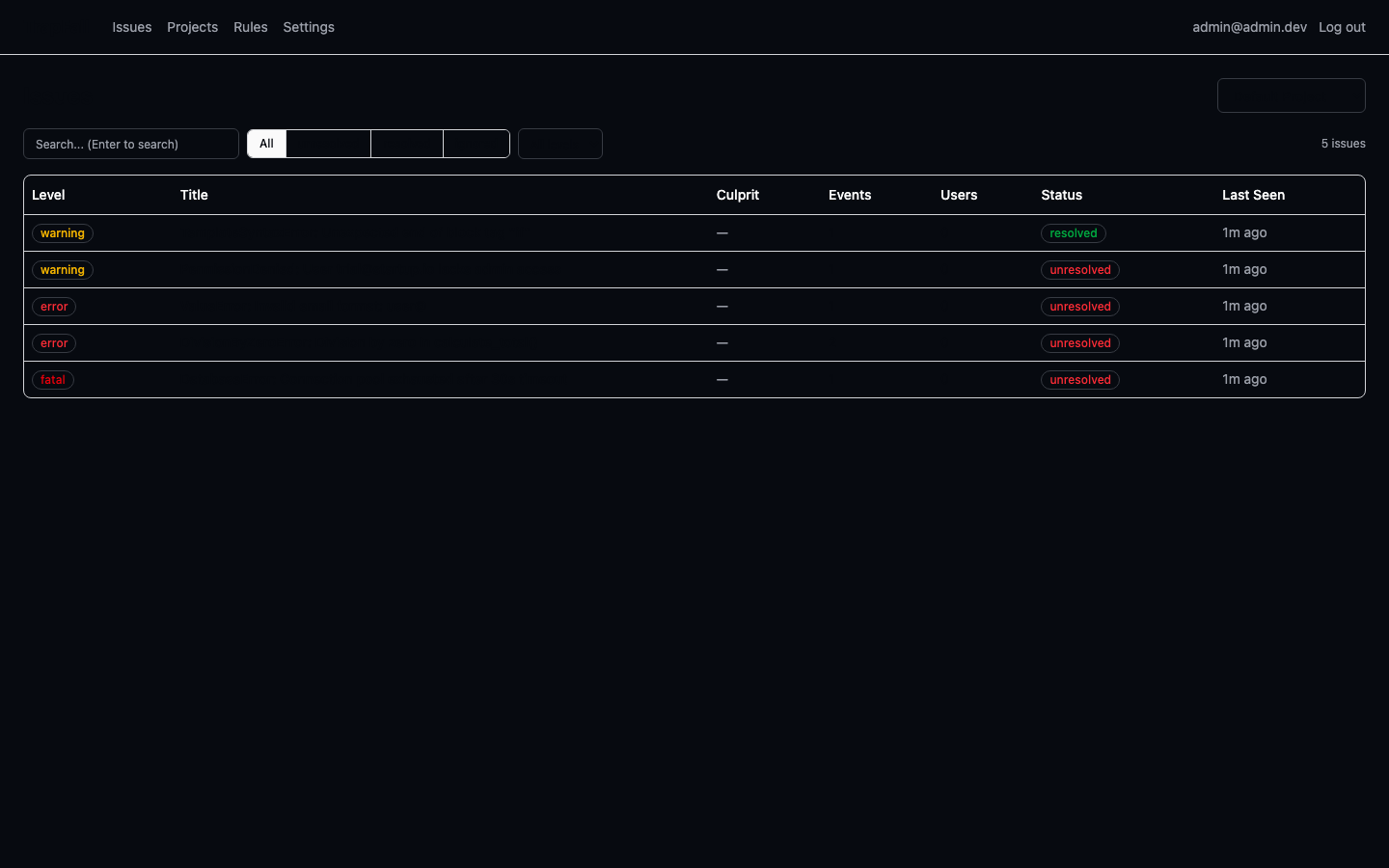
Default project created automatically with a DSN — copy it
Integrate with your app using any Sentry SDK:
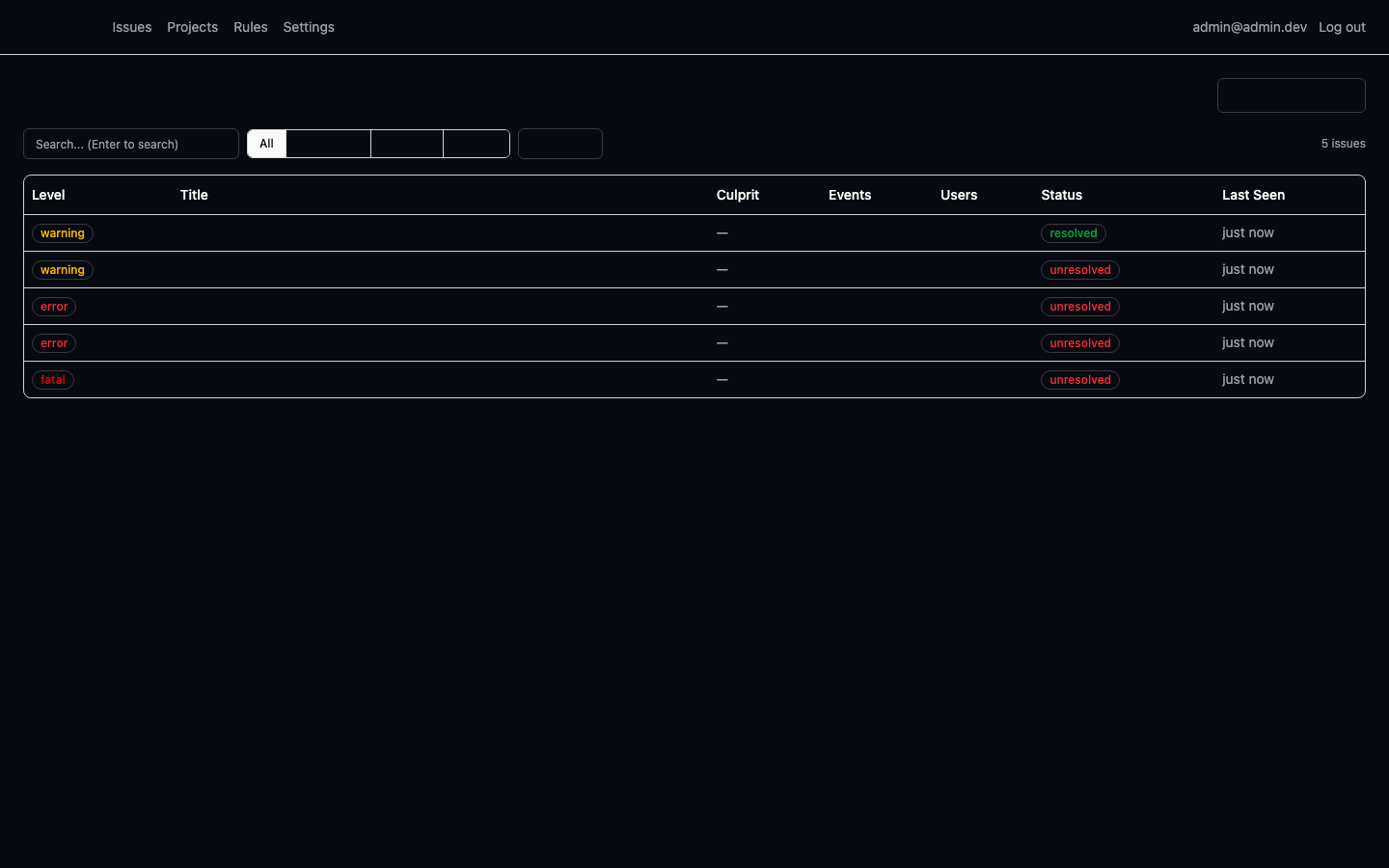
js// JavaScript / Node.js Sentry.init({ dsn: "https://<key>@localhost:3000/<project_id>" });python# Python import sentry_sdk sentry_sdk.init(dsn: "https://<key>@localhost:3000/<project_id>")rust// Rust sentry::init(("https://<key>@localhost:3000/<project_id>", sentry::ClientOptions::default()));dart// Flutter / Dart await SentryFlutter.init((options) => { options.dsn = "https://<key>@localhost:3000/<project_id>", });Trigger a test error → it appears in real-time on the dashboard
Next Steps
- Configuration — all ENV variables
- Docker Guide — Docker Compose + Postgres setup
- VPS Deployment — production deployment guide
- Multi-Project — manage multiple apps
- Alerts — webhook notifications
- SQLite → Postgres Migration — switch backends